Media downloader guide
YouTube to MP4 Workflow: Analyze, Select, and Save
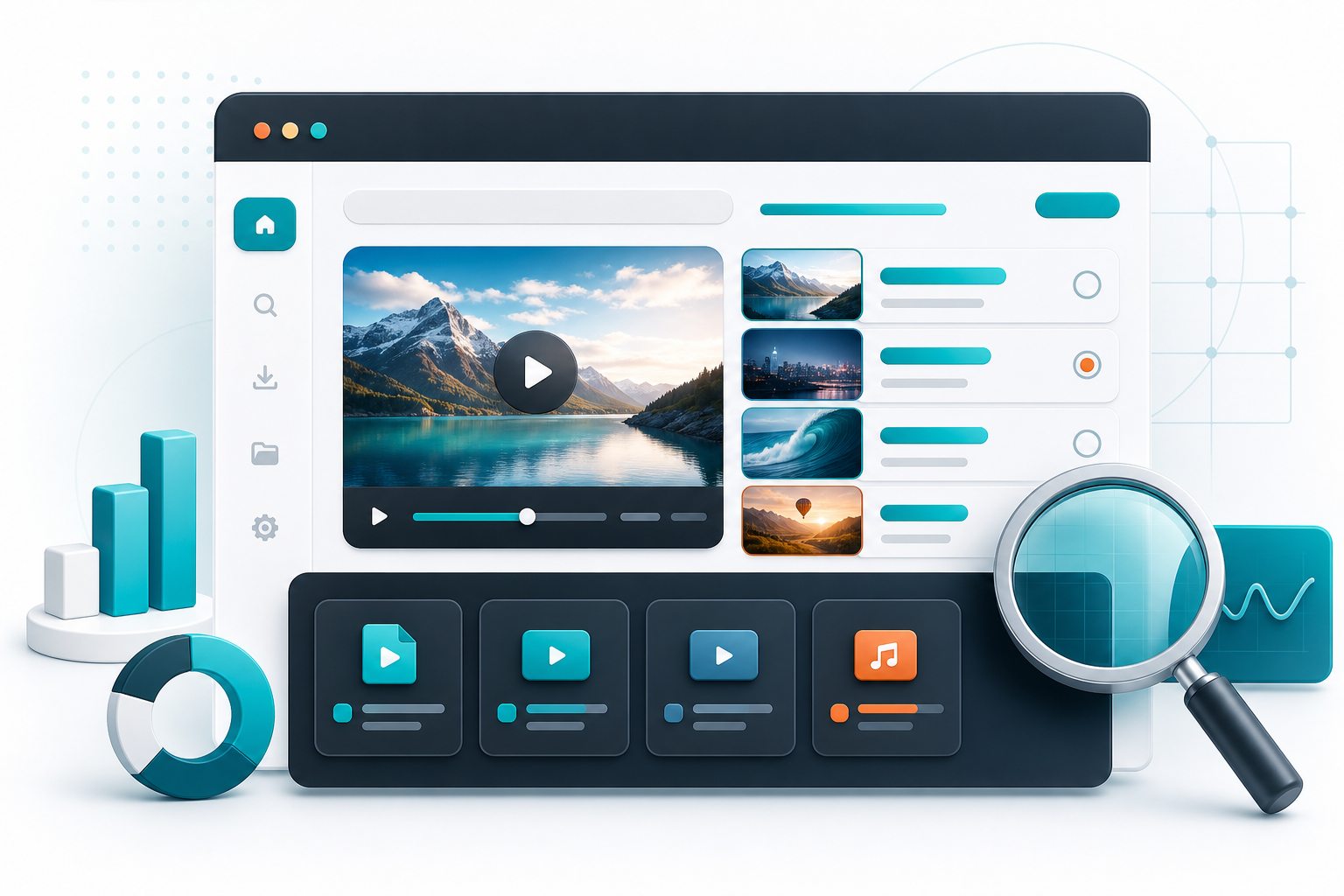
A simple YouTube to MP4 workflow for checking available formats before saving the best option.
Media Downloader Pro is a fast online video downloader built to analyze media links, show MP4 quality options, and help users save supported videos from a clean web interface.
Open Media Downloader ProAnalyze the link first
YouTube videos can expose several format options. An analysis step helps show which MP4 choices are available before a visitor starts a download.
That makes the flow clearer and prevents guessing.
Choose MP4 for compatibility
MP4 is a dependable format for viewing, sharing internally, and editing. It is usually the easiest option for non-technical visitors to understand.
When several MP4 sizes are available, present the most useful options instead of overwhelming the page with every technical stream.
Use progress feedback
YouTube downloads can take time, especially at higher resolutions. Progress feedback keeps users confident that the job is still running.
This app uses background jobs and polling so the interface can stay responsive during longer tasks.
Frequently asked questions
Why are there multiple YouTube formats?
Platforms often store several versions so playback can adapt to screen size and connection speed.
Is MP4 the best default?
For most visitors, MP4 is the easiest and most compatible default.