Media downloader guide
How to Download YouTube Videos for Free with Media Downloader Pro
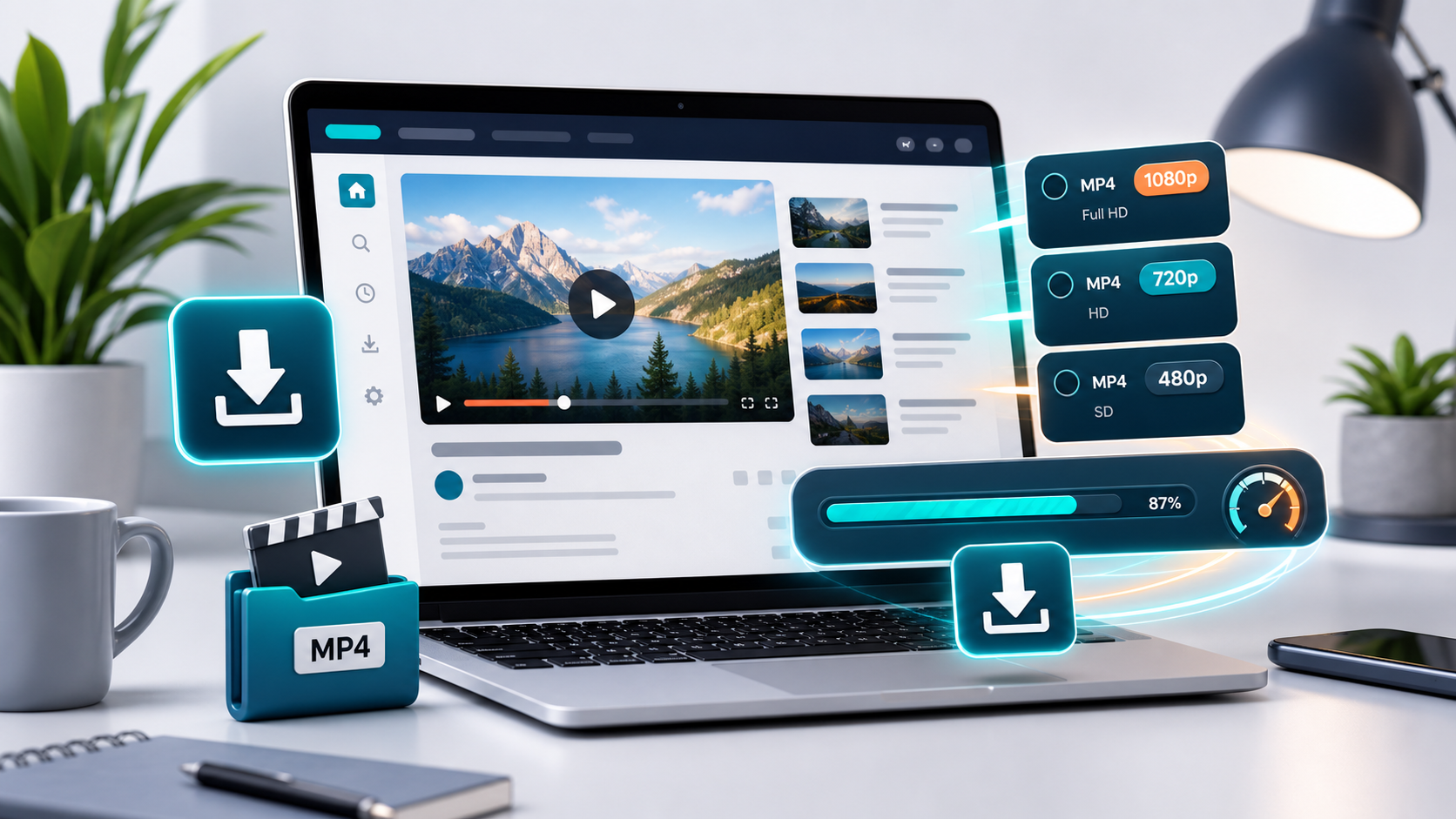
Learn how to use Media Downloader Pro as a free YouTube video downloader with MP4 quality choices, quick analysis, and a simple browser-based workflow.
Media Downloader Pro is a fast online video downloader built to analyze media links, show MP4 quality options, and help users save supported videos from a clean web interface.
Open Media Downloader ProWhy use Media Downloader Pro for YouTube downloads
Media Downloader Pro is built for a simple YouTube download workflow: paste a supported YouTube link, analyze the available video formats, choose a practical MP4 quality, and save the prepared file from one clean page.
The tool is useful when you need a fast local copy of content you own, content you have permission to save, or media that is allowed for your personal or project workflow. It keeps the process focused without extra browser extensions or confusing technical stream lists.
How to download a YouTube video for free
Copy the YouTube video URL, open Media Downloader Pro, paste the link into the analyzer, and click Analyze. The page checks the link first so you can see the most useful MP4 options before starting a download.
After analysis, choose a quality such as 1080p, 720p, 480p, or 360p when those options are available. Higher quality is better for archiving, while lower quality is faster and easier to store on mobile devices.
Features that make the workflow easier
Media Downloader Pro shows visible progress while analysis and downloads are running, so visitors know the server is still preparing the file. The result appears in a popup, which keeps the homepage clean and focused.
The app also keeps downloads short-lived on the server. Prepared files are stored locally for quick access and then cleaned up automatically after 5 minutes, helping the service stay lightweight for public hosting.
Tips for better YouTube MP4 downloads
Use a clean video URL when possible and avoid extra tracking parameters. If a download takes longer than expected, choose a smaller MP4 quality like 720p or 480p to reduce file size and improve speed.
If a video is private, restricted, removed, or unavailable in your region, the downloader may not be able to access it. Media Downloader Pro works best with supported links that are accessible to the server.
Frequently asked questions
Can I download YouTube videos for free with Media Downloader Pro?
Media Downloader Pro provides a free web workflow for supported YouTube links. Only download videos you own, have permission to save, or are allowed to use.
Which YouTube quality should I choose?
Choose 1080p for sharper archives, 720p for a balanced file, and 480p or 360p when speed and smaller size matter more.
Do I need to install a browser extension?
No. Media Downloader Pro runs from the web page, analyzes the URL, and presents MP4 choices in the interface.